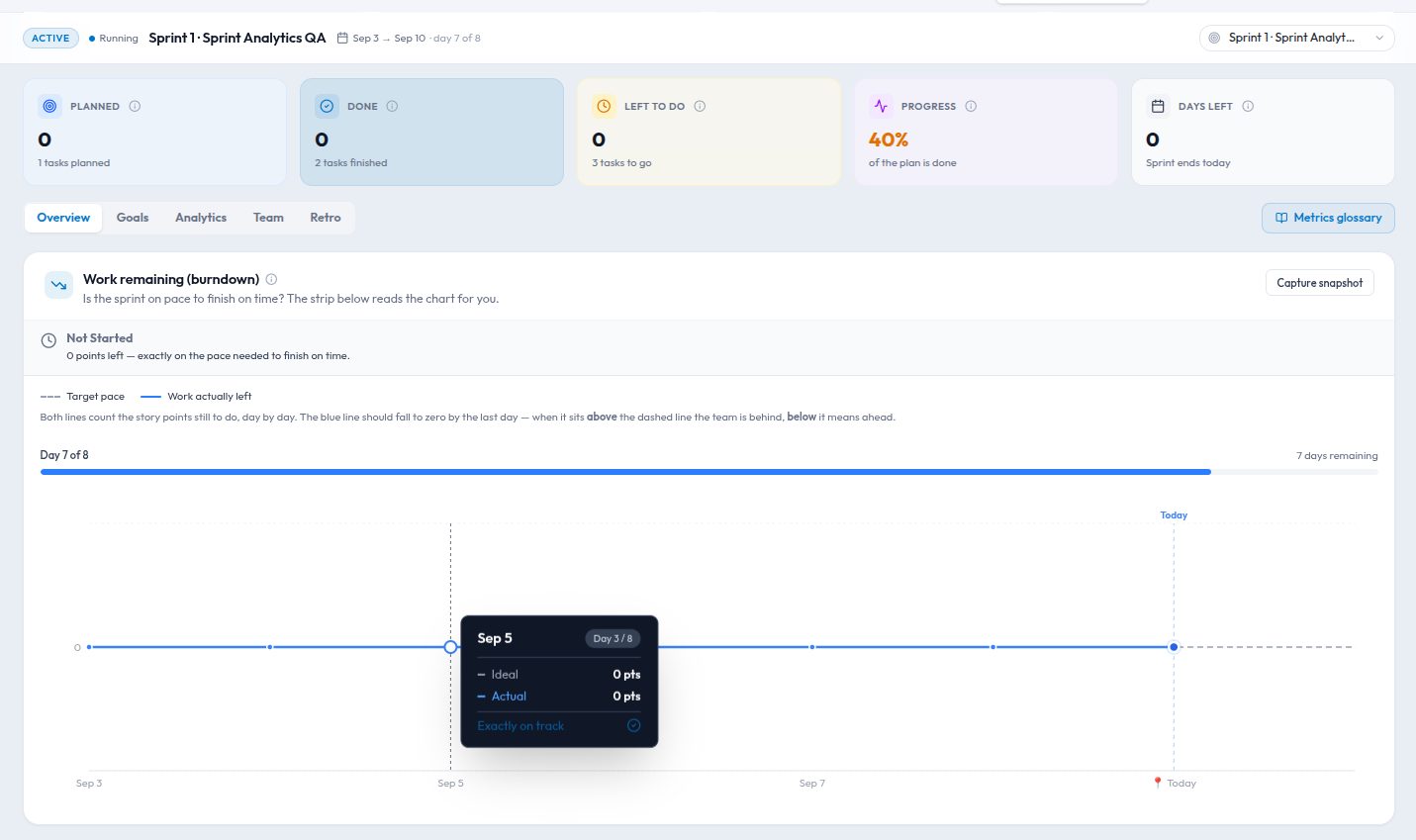
Almost every team writes a sprint goal. Very few can tell you, on day six of a ten-day sprint, how close they are to hitting it. The goal lives in the planning notes, the tasks live on the board, and the two never meet until the review, when someone scrolls back to find out what the goal was.
We built goal tracking in Kydero so the goal and the work are the same thing. A goal is not a sentence at the top of the sprint; it is an object with a progress figure that is derived from the board, or set by you, depending on what kind of goal it is.
Three ways to track a goal
Different goals need different arithmetic, so each goal picks one of three tracking modes.
All tasks in the sprint
The simplest case. The goal is "ship the sprint", and progress is the share of sprint tasks that are done. Pull a task into the sprint and the target goes up; close it and the progress moves. There is nothing to maintain. This is the right default for a team whose sprints are already focused on one theme.
Specific tasks
Most sprints carry more than one thing. Two-thirds of the board is the onboarding rewrite, the rest is bug fixes and a compliance chore. A goal in this mode is linked to the tasks that actually count towards it, and only those. The bug fixes still get done, they just do not move the onboarding number. You can attach tasks when you create the goal or later from the task itself, and a task can count towards more than one goal.
Manual
Some goals are not made of tasks. "Get p95 checkout latency under 400 ms" or "close the three pilot customers" have a target and a current value, and only a person knows the current value. Manual goals take a number and a unit, and whoever owns the goal updates it. They sit on the same sprint dashboard as the derived goals, so nobody has to open a spreadsheet to see the full picture.
Progress that recalculates itself
For the two derived modes, Kydero recomputes the target and progress whenever something relevant changes: a task moves to done or back out of it, a task joins or leaves the sprint, a task is linked to or unlinked from a goal, a task is deleted. The recalculation is a full one, not an increment, so the number on the dashboard is never drifting from what the board says. If it reads 7 of 12, there are twelve tasks linked and seven of them are done, right now.
This sounds obvious, but it is the difference between a number the team trusts and a number they double-check. A goal figure that was ever caught being wrong is a goal figure nobody looks at again.
Status with a reason
Progress is a fact. Status is a judgement, and judgements need context. Each goal carries a status, on track, at risk or off track, and changing it asks for a reason. The reason is stored with who changed it and when, and the goal keeps the whole history.
That history turns out to be the most useful part of the feature. In the review, "we went at risk on Wednesday because the payments API was down for two days" is a story the team can learn from. A goal that silently flipped from green to red is not.
Finished sprints stay finished
Once a sprint is completed, its goals lock. You cannot nudge a target down after the fact so the sprint looks better, and you cannot link in a task that was finished three days later. This is deliberate. The value of goal tracking over a few months comes from being able to compare sprints honestly, and that only works if the record of each sprint is what the team saw at the time.
Unfinished tasks are a separate matter: they roll into the backlog or the next sprint as usual, and a new goal there can pick them up.
Picking a mode
- One theme per sprint? Use all tasks. Zero upkeep.
- Several streams on one board? One specific tasks goal per stream. Link the tasks at planning; it takes a minute.
- Goal is an outcome, not output? Manual, with a target you can actually measure and a named owner who updates it.
Teams usually end up with two or three goals per sprint, mixing modes. That is fine. The point is not to have one perfect metric, it is that on day six, anyone on the team can open the sprint and see, without asking, how close they are.
Where to find it
Goals live in the sprint detail view under Sprints, and each goal's status history is right on the goal. Tasks show which goals they count towards in the task detail. If your workspace has sprints that were planned before goal tracking existed, they simply have no goals; add one to the current sprint and the numbers start from there.