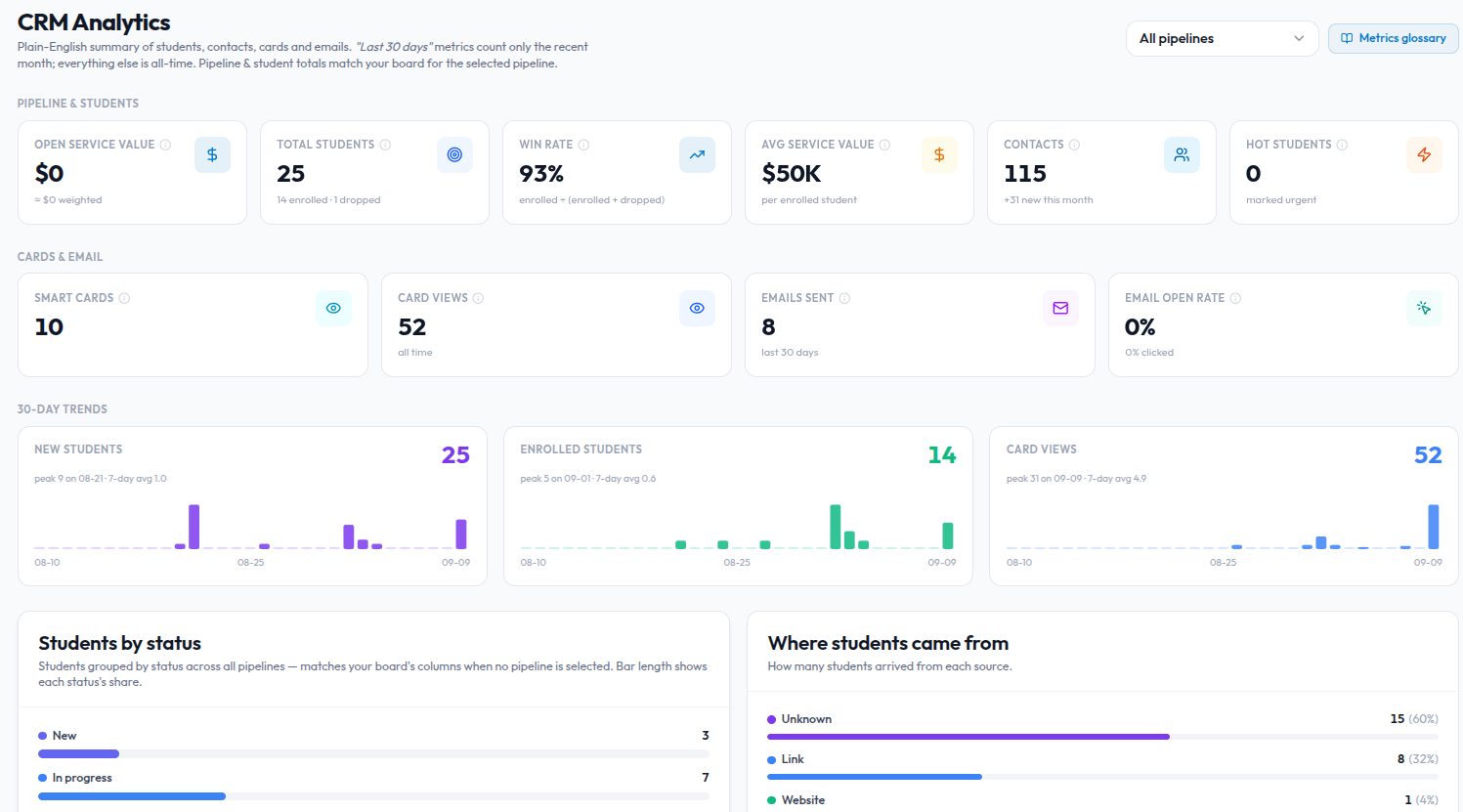
Most CRMs hand you one pipeline called Sales and a column named Lead, and leave you to bend it. An admissions counsellor does not have leads, she has students and applications. A property agency needs site visits and negotiations, not a demo stage. So Kydero's CRM is dynamic: it takes the shape of the business that owns the workspace.
Pick a type once
When you set up the CRM, you choose what kind of business the workspace runs. Today the types are:
- Sales, the classic B2B pipeline.
- Education, with a Student Admissions pipeline and a Visa Services pipeline, application trackers per university or visa case, student-specific fields, and "Student" instead of "Lead" throughout.
- Property sales and Property rental: inquiry, site visit, negotiation, closing.
- Hiring, Legal matters, Consulting engagements, SaaS customer lifecycle, Software projects and Marketing retainers, each with its own stages and appointment types.
Choosing a type seeds the pipelines and stages, the words on the board and in the forms, the appointment types your team can book, and the custom fields that belong on a record. Nothing about it is hard-coded to an industry. A type is a template, and new industries are new templates.
The same rules underneath
Every stage, whatever it is called, belongs to one of five categories: new, active, awaiting, won, lost. That is what reports, boards and automations read. Rename Qualified to Interview or Offer sent and nothing breaks, because the product never looks at the name.
Cards still feed the CRM the same way. Scan a Kydero card and the contact lands in the intake pipeline for your type, at its first stage, whether that pipeline is called Sales or Student Admissions.
One type per workspace
A workspace is a company, and a company runs one kind of business, so a workspace runs one CRM type. You can change it exactly once, and when you do, existing records move into the new type's intake pipeline first and the old structure retires afterwards, so nothing is left counting in a total but missing from a board. Pipelines you created yourself are never touched by a type change. Run two businesses? Use two workspaces.
That limit is deliberate. Unlimited switching is how a CRM ends up showing admissions stages to a software team. Choosing once keeps the shape honest.
Set it up from CRM → Overview the first time you open the CRM in a new workspace.